Kerning, Tracking And Leading: The Invisible Details That Make Type Work
Category
Typography
Published date
Read time
5 min read

Author
Yuna Choi
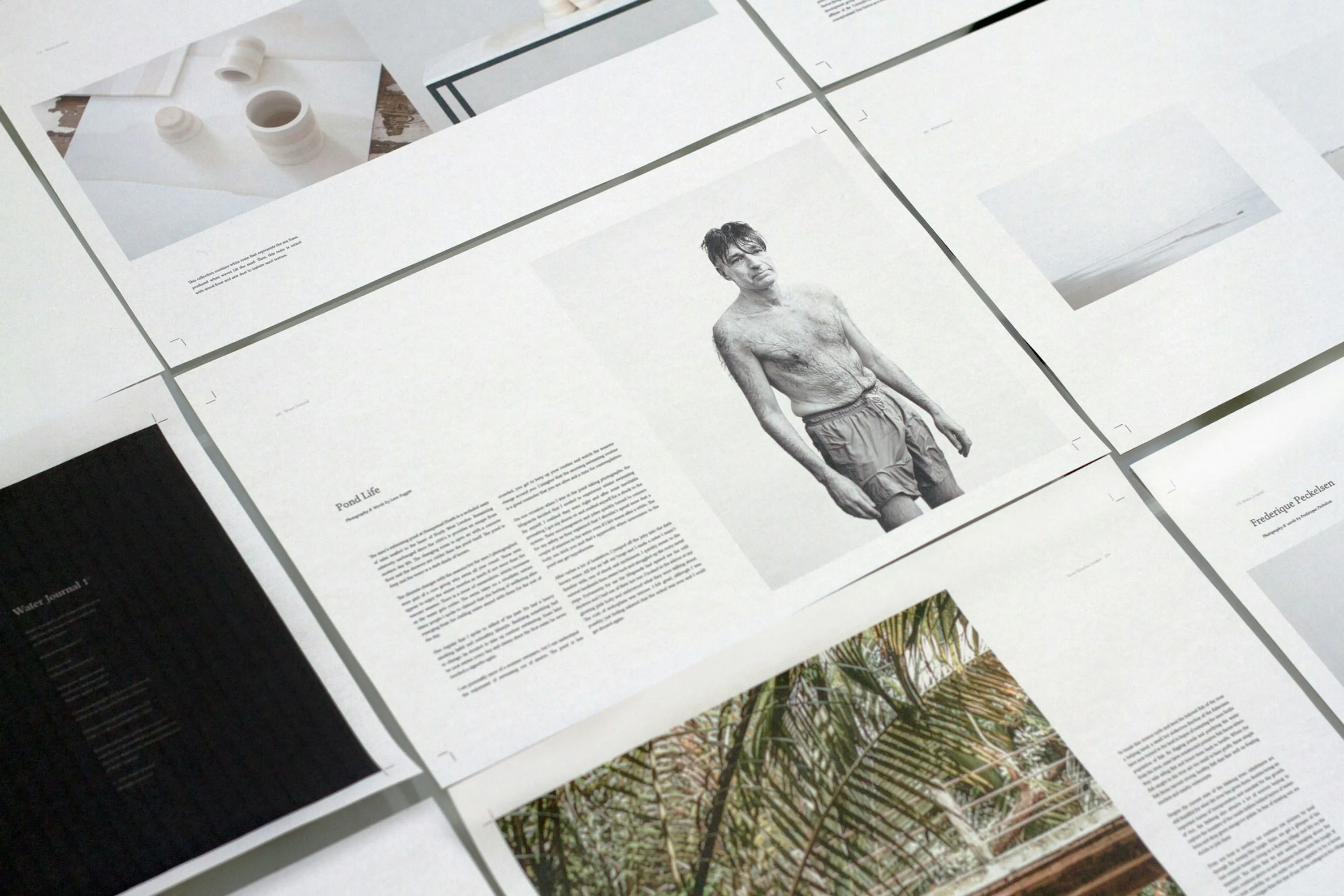
There is a particular kind of typographic pain that every experienced designer knows. You look at a piece of work — a headline, a logo, a block of body copy — and something feels wrong. The typeface is right. The size is right. The colour is right. But something is off and you cannot immediately say what. Nine times out of ten the answer is one of three things: the kerning is uneven, the tracking is inconsistent or the leading is too tight. These are the invisible details of typography — the adjustments that nobody consciously notices when they are right but that everybody unconsciously feels when they are wrong. Understanding them deeply is what separates designers who use type from designers who truly understand it.
The Space Between Individual Letters
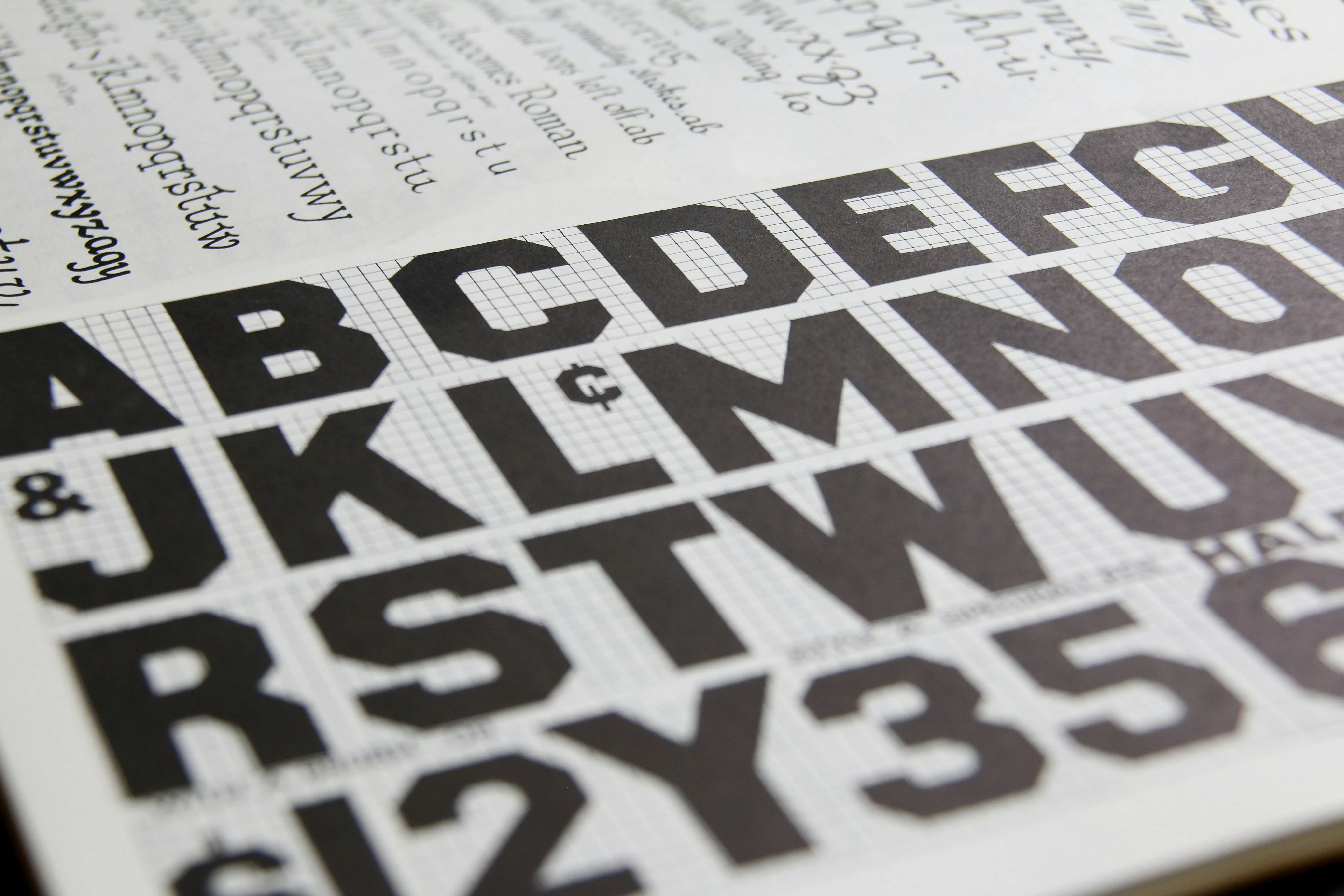
Kerning refers to the adjustment of space between specific pairs of letters. Unlike tracking which adjusts space uniformly across a range of characters, kerning is a micro level intervention — looking at how two particular letters sit next to each other and adjusting the space between them until the relationship feels optically balanced rather than mathematically equal. The reason kerning matters is that different letter shapes create different amounts of visual space between them even when the mathematical spacing is identical. The combination of A and V for example creates a large open space between the diagonal strokes that makes the letters feel further apart than they actually are. Without kerning adjustment this reads as a gap. With careful kerning it reads as a unified pair. Most professional typefaces include kern pairs — built in spacing adjustments for common letter combinations — but display type set at large sizes and custom logotypes almost always require manual kerning attention. This is painstaking work. It is also some of the most important work a typographer does.
Tracking: Setting The Overall Rhythm
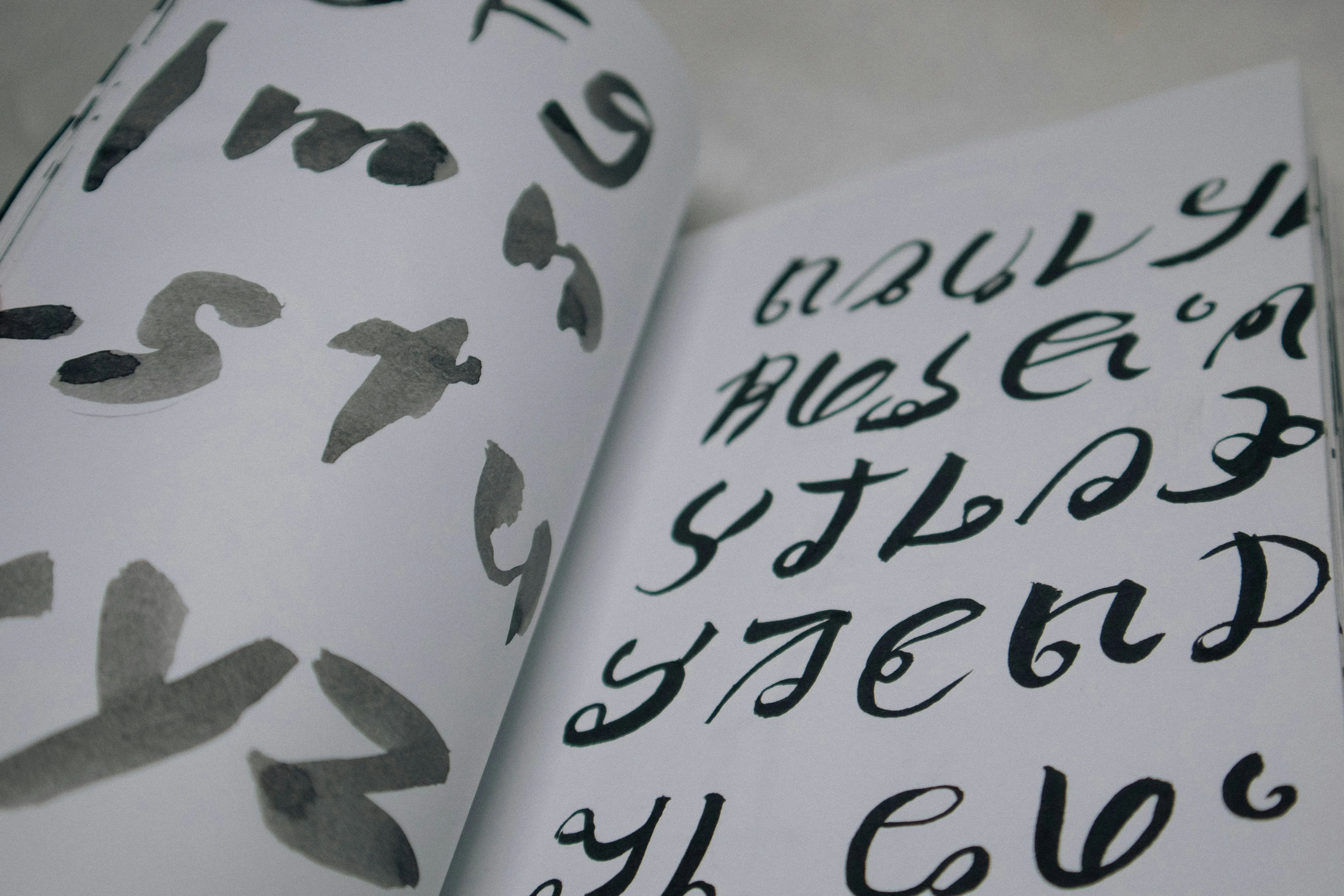
Where kerning deals with individual letter pairs, tracking deals with the overall spacing of a group of characters — a word, a line, a paragraph. Adjusting tracking changes the density and rhythm of a block of text, affecting both its legibility and its visual character. Tight tracking creates tension and compression — it is often used for bold display headlines where the letters need to feel unified and powerful. Loose tracking creates openness and elegance — it is the default approach for uppercase text set at small sizes, where tighter spacing would cause the letters to visually merge and become difficult to read. One of the most common tracking mistakes is applying the same tracking values regardless of type size. Type set at 80 pixels needs different tracking to type set at 14 pixels, even if it is the same typeface. As a general principle, display type benefits from tighter tracking and small text benefits from slightly looser tracking. Getting this right across all the sizes in a typographic system is one of the clearest signs of a designer who genuinely understands type.
Leading: The Vertical Rhythm Of Text
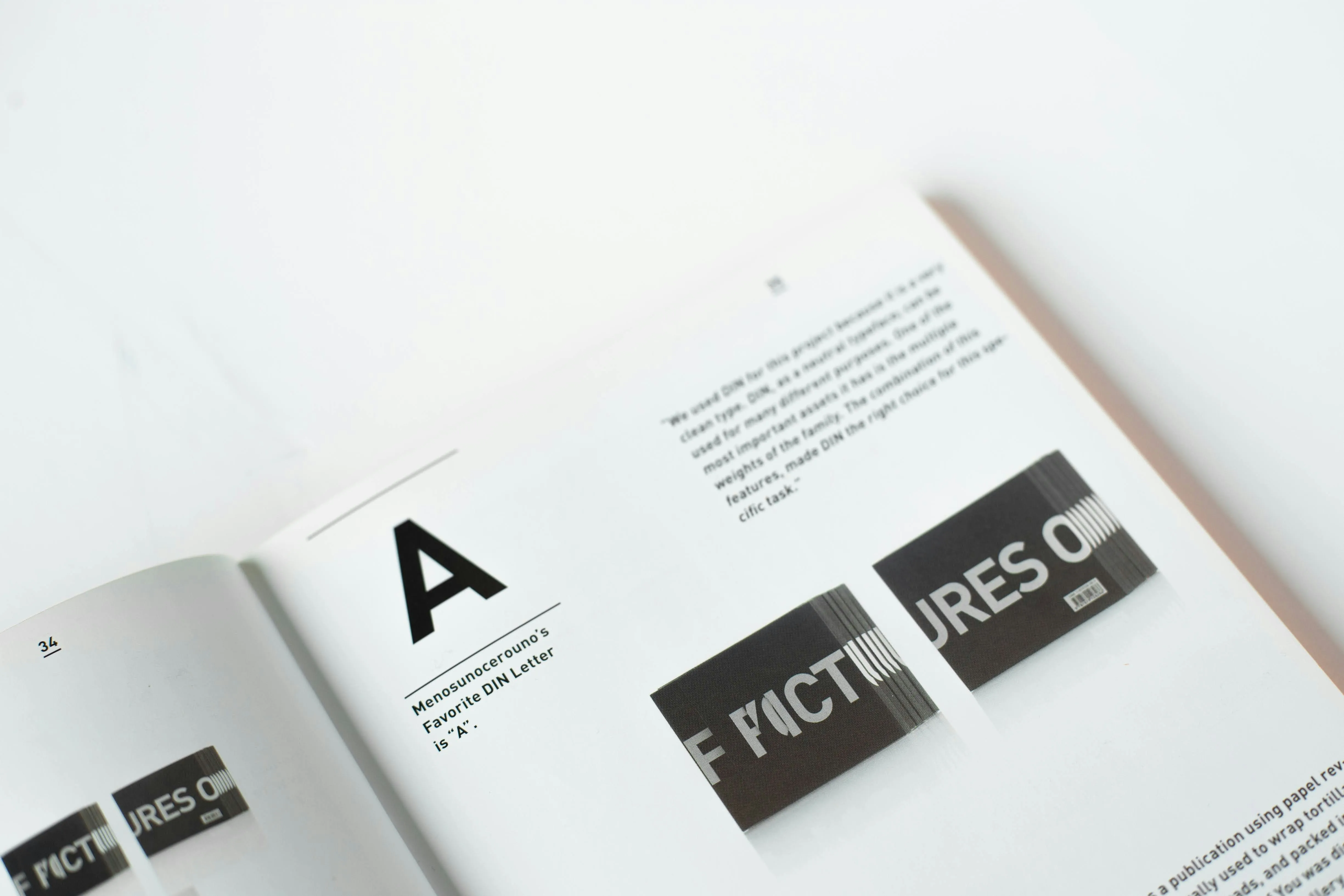
Leading — the vertical space between lines of text — is arguably the most impactful of the three adjustments in terms of readability. Too tight and text becomes claustrophobic and difficult to read for more than a few sentences. Too loose and the eye loses the thread between lines, making the reading experience feel disconnected and laborious. The right leading for body text is typically between 1.4 and 1.6 times the font size — enough space for the eye to move comfortably from line to line without losing its place. Display text set at large sizes can afford tighter leading, sometimes as low as 1.0 or even less for very short headlines where the visual compression is intentional. The most common leading mistake we see is applying default line height values without adjusting for the specific typeface being used. Different typefaces have different x-heights and ascender heights that affect how much vertical space they need. A value that feels generous with one typeface can feel cramped with another. Leading always needs to be set by eye, not by formula.
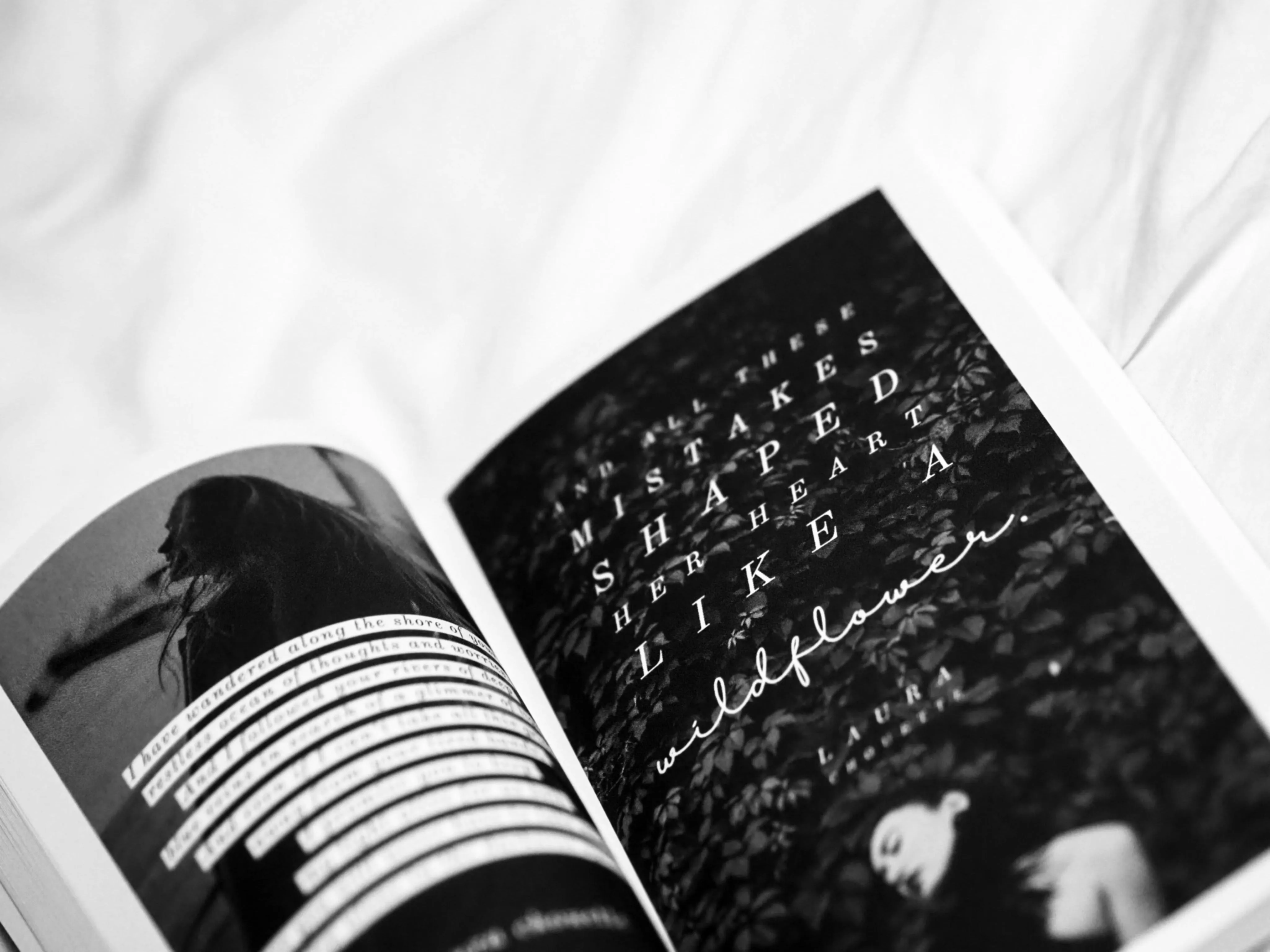
Kerning, tracking and leading are not advanced typographic concepts. They are foundational ones — the basic adjustments that every designer working with type should be making on every project, at every size, in every context. The fact that so many designers rush past them or ignore them entirely is not a reflection of their complexity. It is a reflection of how easy it is to mistake competence for craft. Competence gets the typeface right. Craft gets the spacing right too. At Glyph Co. we treat these adjustments not as finishing touches but as fundamental parts of the design process — as non-negotiable as choosing the right typeface in the first place. Because in typography, as in design generally, the invisible details are almost always the ones that matter most.
More publications
Keep Reading.


Make this yours